


Three things people call a casino app
The phrase covers three quite different pieces of software, and the difference matters when something goes wrong. A native app is downloaded from a store, reviewed by Apple or Google before it is listed, and updated through the store. A web app is the casino's mobile site saved to your home screen: it looks like an app, but it is a browser tab without the address bar. The third kind is an installation file sent by link or QR code, which arrives without any store review at all.
| Form | Where it comes from | Who has checked it | Typical strengths | Typical weak points |
|---|---|---|---|---|
| Native iOS or Android app | App Store or Google Play | The store, against its gambling policy, plus the operator's own regulator | Biometric login, wallet payments, smoother live video | Needs storage, needs updating, may lag behind the website for new games |
| Web app or mobile site | The operator's own domain in your browser | Nobody beyond the operator; the licence still applies | Nothing to install, always the current version, full game list | No Face ID sign-in on some sites, a dropped connection reloads the page |
| Installation file from a link | A download page, message or advert | Nobody | None that a store version lacks | Can request broad permissions, cannot be traced to a reviewed listing |
For most players in Britain the choice is between the first two. The third exists mainly because some businesses cannot get a store listing, and the reasons for that are rarely ones you would be comfortable with.
Where to download a casino app without taking a risk
Start from the store, not from an advert. Search the operator's exact trading name in the App Store or Google Play and open the listing. Three lines on that page tell you most of what you need: the developer name, which should match the company named in the footer of the casino's website; the age rating, which for real-money gambling is an adult one; and the update history, which shows whether anyone is still maintaining the thing.
Both stores restrict real-money gambling apps to businesses that hold a licence for the country where the app is offered. That is a filter, not a guarantee, so treat the listing as the first check and not the last. Copycat apps do get through from time to time, usually with a near-identical icon and a developer name that is one letter out. If the listing has a handful of reviews, no update in a year and a developer you cannot connect to the operator, close it.
The safest route of all is to go the other way round: open the casino's website by typing the address, find its app page, and follow the store badge from there. You land on the right listing and you know which business put it there.
Why a file from a link is a poor idea
On Android, installing from outside Google Play means switching off a protection that exists for good reason. The file can ask for access to messages, contacts or the screen itself, and you have no store to complain to if it misbehaves. A casino that holds a British licence has no need to distribute its app that way. If the only route offered is a download button on a web page, use the mobile site in your browser instead and lose nothing.
Check the licence before the icon lands on your home screen
An app looks the same whether the business behind it is regulated in Great Britain or not. The licence is what decides how your identity is checked, how your balance is held and who you can complain to. It takes two minutes to confirm.
- Open the operator's website and scroll to the footer. A licensed business states its company name and its Gambling Commission account number there.
- Go to the Gambling Commission's public register and search that name or number. The entry should show an active remote casino licence.
- Look at the list of domain names on the register entry. The website you are on should be among them.
- Compare the company name with the developer shown on the store listing. They should be the same business or an obviously related one.
If any step fails, that does not prove fraud, but it does mean the protections you are assuming may not apply. The terms will also tell you how customer money is treated if the business fails, which is a question worth two minutes before a large deposit rather than after one.
Signing up on a phone: verification and biometric login
Registration inside an app asks for the same details as on a desktop: full name, date of birth, home address, email and mobile number. British operators must verify your name, address and age before you can gamble at all, so the app will usually run an electronic check the moment you submit the form. When your details match public records, that check finishes in the background and you never see it. When they do not, the app asks for a photo of a document.
Here the phone is an advantage. The camera is already in your hand, the app can guide you to frame a passport or driving licence properly, and many will ask for a short selfie to compare with the photo. Do it in daylight, on a plain surface, with all four corners of the document in shot. A rejected photo is the commonest cause of a slow first withdrawal, and it is entirely avoidable. Our note on withdrawal verification covers which documents answer which question.
Once the account exists, switch on Face ID or fingerprint sign-in if the app offers it. It is quicker than a password and harder for someone else to use. Keep the password strong all the same, because it remains the fallback, and do not share a device login with anyone who should not be able to open your account.
Deposits and withdrawals from the app
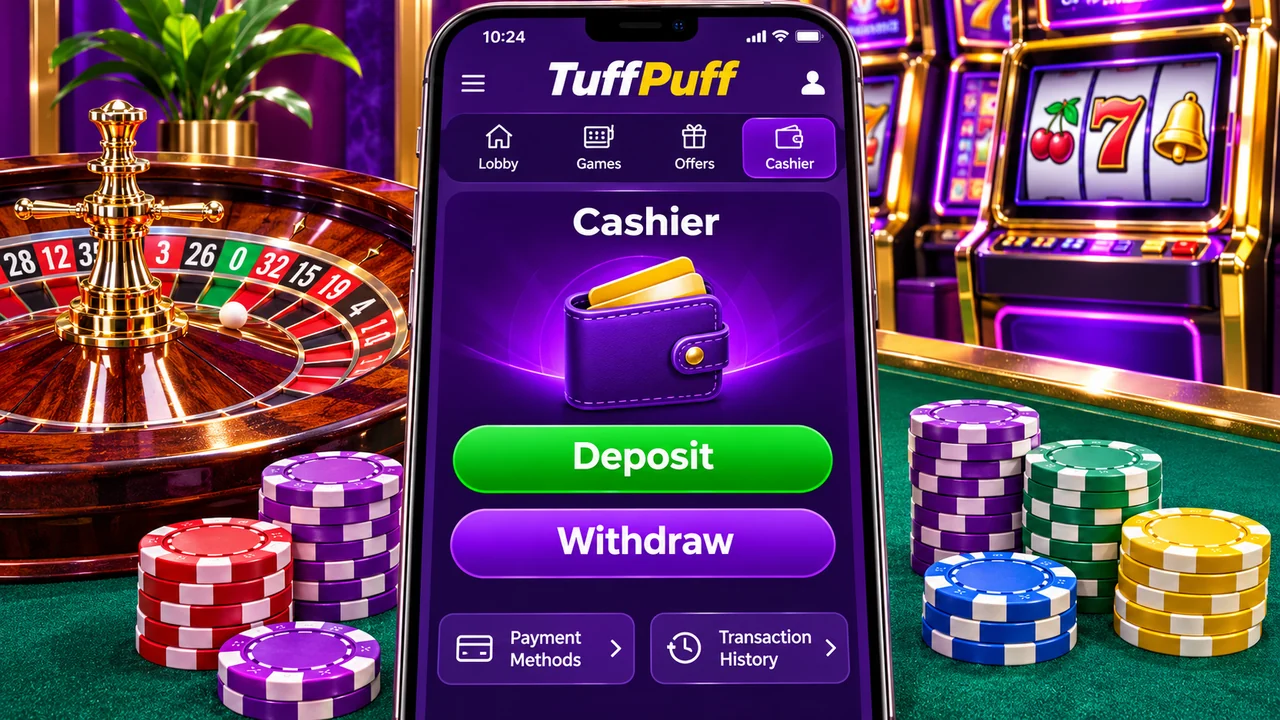
The cashier in an app is where the format earns its place. On an iPhone, Apple Pay lets you approve a deposit with a glance; on Android, Google Pay does the same job. Both are a wrapper around a card you have already added to the wallet, and in Britain that card must be a debit card. Credit cards cannot be used for gambling, and that includes a credit card sitting behind a phone wallet.
| Route | Deposit from the app | Withdrawal | What to check first |
|---|---|---|---|
| Apple Pay or Google Pay | Approved with biometrics, credited straight away in normal cases | Usually returned to the underlying debit card, not to the wallet | Whether the cashier lists the wallet for payouts or only for deposits |
| Debit card typed in | Card details plus a bank approval step in your banking app | Back to the same card | That the card has not expired or been replaced |
| Pay by Bank | The casino app hands you to your banking app to approve, then back again | To the same bank account | That your bank appears in the list before you rely on it |
| E-wallet such as PayPal | Approved in the wallet's own app | To the wallet, then onward to your bank as a second step | Whether deposits by that wallet qualify for any offer you want |
Limits and timings are set by each operator, not by the phone. Read them on the cashier page of the app you are using. Our pages on Apple Pay, Pay by Bank and debit cards explain each route in detail.
A worked example of the handoff
Say you deposit £20 by Pay by Bank. The casino app opens your banking app, you confirm with a fingerprint, and the banking app sends you back. If you close the banking app before it returns you, the payment may still have gone through while the casino app shows nothing. Do not repeat the deposit. Check your bank's list of recent payments first, then the casino's transaction history. Our guide to a deposit that is not showing walks through the order of checks.
How the games behave on a small screen
Modern slots are built for phones first. Most run in portrait, with the spin button under your thumb and the paytable a tap away. The rules are the same as on a desktop: the outcome of a spin is decided on the provider's server, not on your handset, so a faster phone does not change anything except how smoothly the reels are drawn.
Stake limits apply in the app exactly as they do on the website. Online slots in Great Britain are capped at £5 a spin for players aged 25 and over and £2 a spin for those aged 18 to 24. If an app offers you a slot stake above that, you are not looking at a product regulated here.
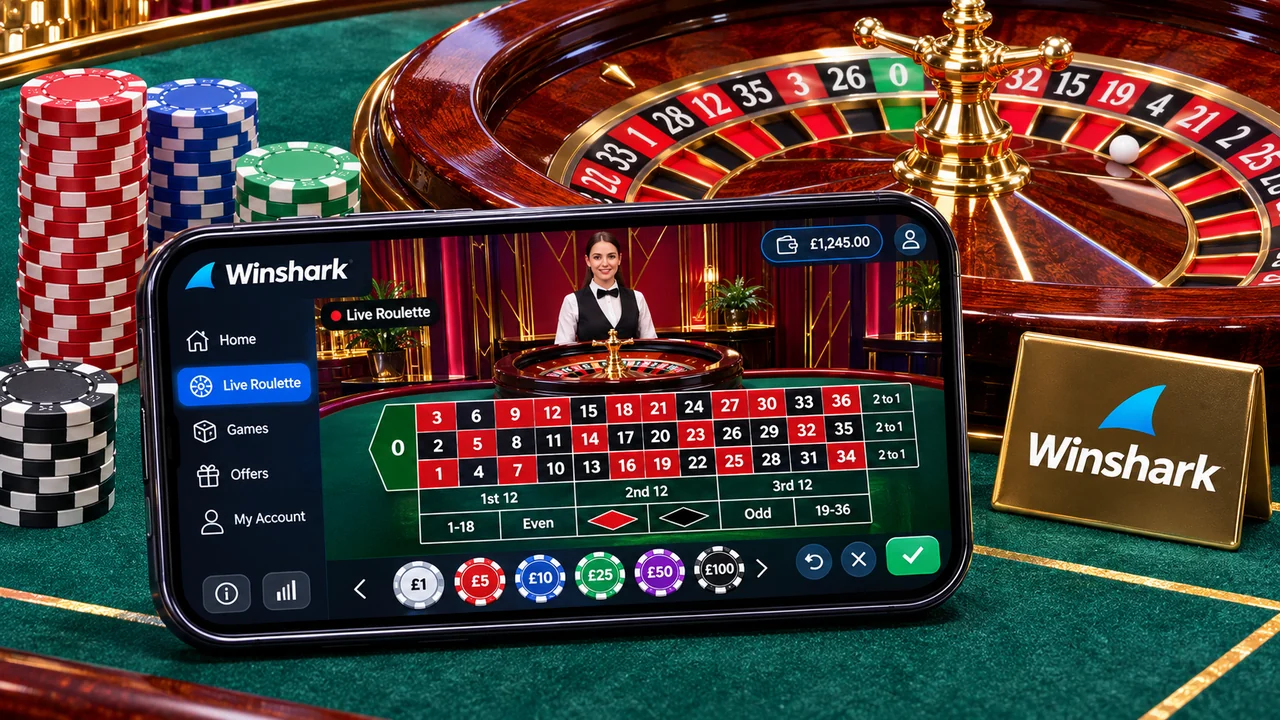
Live dealer tables are the heavier load. They stream video continuously, which uses data and battery at a rate slots do not. On mobile data, an hour of live roulette can eat a noticeable part of a monthly allowance, so use wifi where you can. Landscape mode gives you a readable betting grid; in portrait, the chips are small and mis-taps happen. Check the bet confirmation before the timer runs out.
Not every game on the website appears in the app. Older titles are sometimes left out, and a few apps hold slots and live casino in separate downloads. If you want one particular game, search for it in the app before you deposit. Our slot guides and note on RTP and volatility explain what the information screen in each game is telling you.
Permissions, notifications and what the app knows about you
A casino app needs very little access to do its job. Camera access is reasonable while you photograph a document. Location is sometimes requested so the operator can confirm you are in a country it is licensed for. Contacts, microphone and access to your photo library beyond a single upload are not needed for playing slots, and you can refuse them.
Notifications deserve a decision, not a reflex tap on Allow. Marketing pushes are consent-based: you can accept account alerts such as a completed withdrawal while turning promotional messages off, either in the app's own settings or in the phone's. If a balance alert is useful to you and a nightly free-spins banner is not, set it up that way on day one.
Two housekeeping habits are worth having. Set the phone to lock quickly, because an unlocked handset with a saved login is an open cashier. And when you change phone, sign out of the app on the old one before you wipe or sell it.
App or mobile site: an honest comparison
Neither is better in every case. The app wins on convenience; the browser wins on transparency. What you see in a browser is the operator's live site with its address visible, and nothing stays on your phone afterwards.
| If you… | Better fit | Why |
|---|---|---|
| Play a few times a week on the same phone | Native app | Biometric sign-in and saved wallet payments remove most of the friction |
| Play now and then, or on a work or shared device | Mobile site | Nothing is installed and closing the tab ends the session |
| Mostly play live tables | Native app | Video tends to hold up better and reconnects faster after a signal drop |
| Are short of storage or on an older handset | Mobile site | No download, no updates, no minimum operating system version |
| Want every game the operator has | Mobile site | The browser lobby is usually the complete one |
| Want withdrawal alerts without checking in | Native app | Push notifications tell you when a payout status changes |
You do not have to choose once and for all. The account is the same in both, so many people keep the app for regular play and use the browser when they are away from their own phone.
When the app misbehaves
It will not install or does not appear in the store
Store listings are tied to the country of your store account. If your Apple ID or Google account is registered abroad, a British casino app may not show up at all. An out-of-date operating system has the same effect. Both are solved in the phone's settings, not by looking for the file elsewhere.
It froze in the middle of a spin
The result was already decided on the server when you pressed the button. Reopen the app, open the same game and it will normally either replay the unfinished round or show it as settled. The game history inside the app is the record to rely on, and it is what customer support will look at too.
A deposit was refused
A refusal can come from the bank, the card scheme, the wallet or the casino, and each one leaves a different message. Read the wording before trying again, because several quick retries can trigger a bank's fraud controls. See casino deposit declined for how to tell them apart.
A withdrawal shows as pending
Pending means the operator has the request and has not yet released the payment. The app should show which stage it is at. Our pending withdrawal and weekend withdrawal pages explain which clock is running at each point.
Ten minutes of checks before your first deposit
- Confirm the developer on the store listing matches the company in the website footer.
- Find that company on the Gambling Commission's public register.
- Register with your name exactly as it appears on your bank account and your current address.
- Finish any document request before you deposit, not after you win.
- Open the cashier and read the minimum deposit, minimum withdrawal and any stated fee.
- Check that the payment method you plan to deposit with can also receive a withdrawal.
- Set a deposit limit that fits your budget while you are calm and have nothing staked.
- Turn marketing notifications off if you do not want them, and leave account alerts on.
- If you are taking a welcome offer, read the wagering rule and the maximum stake that applies while it is active. Our bonus rules page and wagering calculator help with the arithmetic.
- Make a small first deposit and a small first withdrawal, so you learn how the route works before larger sums depend on it.
None of this is glamorous, and all of it is quicker than a support chat about a blocked payout. Gambling is for adults aged 18 and over; play with money you can afford to lose and stop when it stops being fun.
Casino app questions
Are casino apps legal in Great Britain?
Yes, when the operator holds a Gambling Commission licence for remote casino games. The app is simply another way of reaching a licensed service. The licence, not the store listing, is what you should verify.
Is a casino app safer than playing in a browser?
Not inherently. A store-listed app has been reviewed and supports biometric login, which helps. A browser shows you the real address and leaves nothing installed. Either is fine with a licensed operator; an installation file from a link is the one to avoid.
Can I use the same account in the app and on the website?
Yes. Your login, balance, limits and verification status belong to the account, not the device. A deposit limit set on the website applies in the app, and the other way round.
Do casino apps pay out real money?
A licensed real-money app pays withdrawals through the same cashier as the website, normally back to the method you deposited with. Free-to-play or social casino apps are a separate category: their coins have no cash value and cannot be withdrawn.
Why does the app ask for my location?
Operators are licensed country by country and need to know you are somewhere they are allowed to offer games. Some confirm this from your connection, others ask the phone. You can usually grant access only while the app is in use.
Will a casino app use a lot of data?
Slots use little once loaded. Live dealer games stream video for as long as you sit at the table and are far hungrier, so wifi is the sensible choice for those.


